


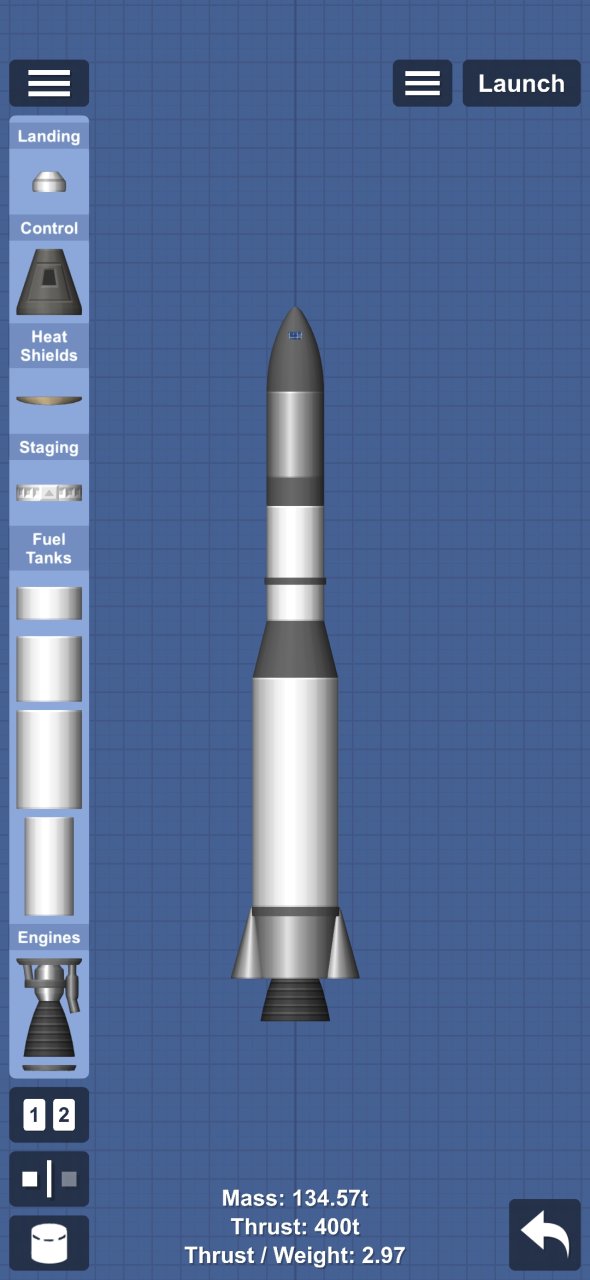
This Gemini COS 4 mission/Rocket is a standout addition to the SFS UNIVERSE library, designed to push the boundaries of what’s possible within Spaceflight Simulator. Whether you are looking to enhance your gameplay aesthetics or seeking a high-precision functional asset, this blueprint offers a polished experience for any type of player. The creator has focused on delivering a reliable and creative resource that integrates seamlessly into your current save.
By adding Gemini COS 4 mission/Rocket to your collection, you gain access to new ways of exploring, building, and customizing your simulation environment. Its versatile design ensures it fits perfectly into various mission profiles, from complex engineering projects to casual sandbox fun. It is a must-have for users who value quality community-made content.
Download this blueprint today and take your SFS experience to the next level. Be sure to check for version compatibility to ensure all features and parts function correctly in your game.

Description
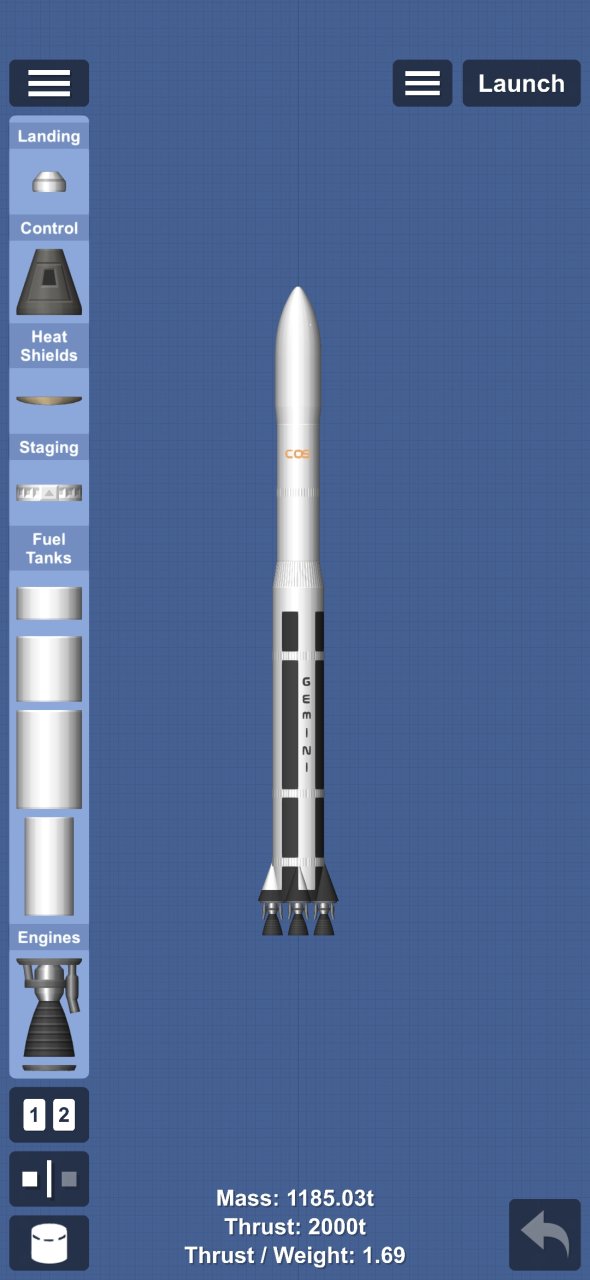
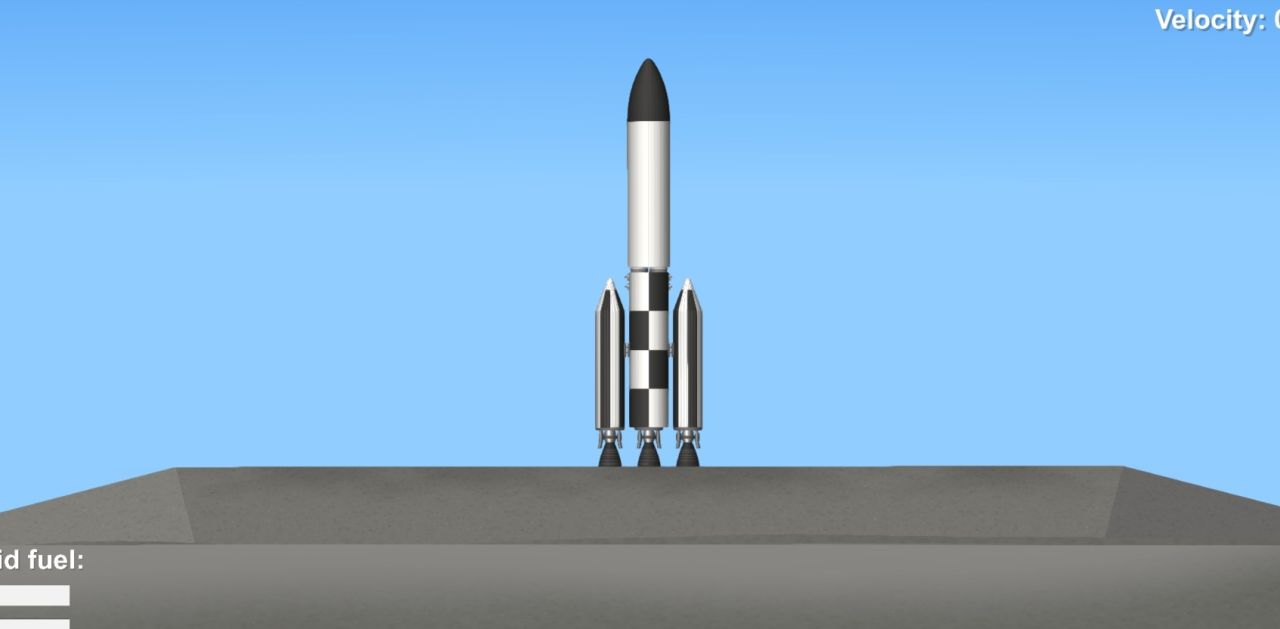
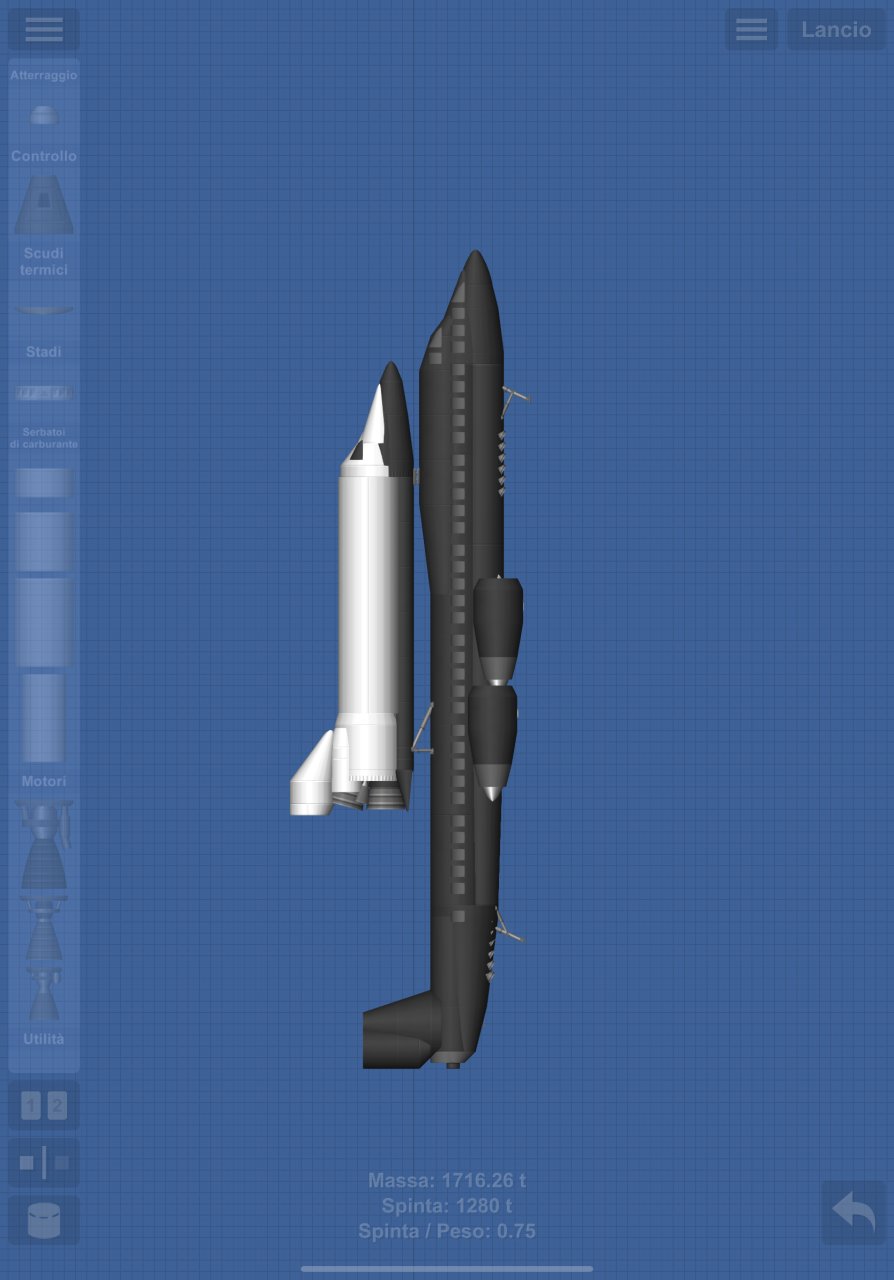
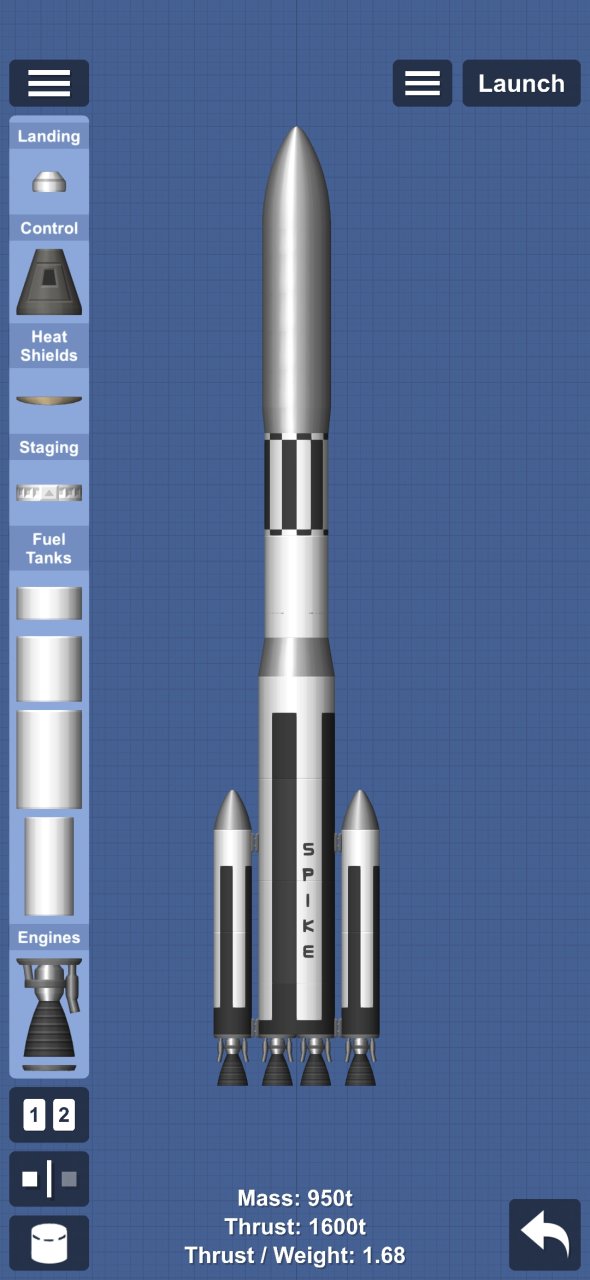
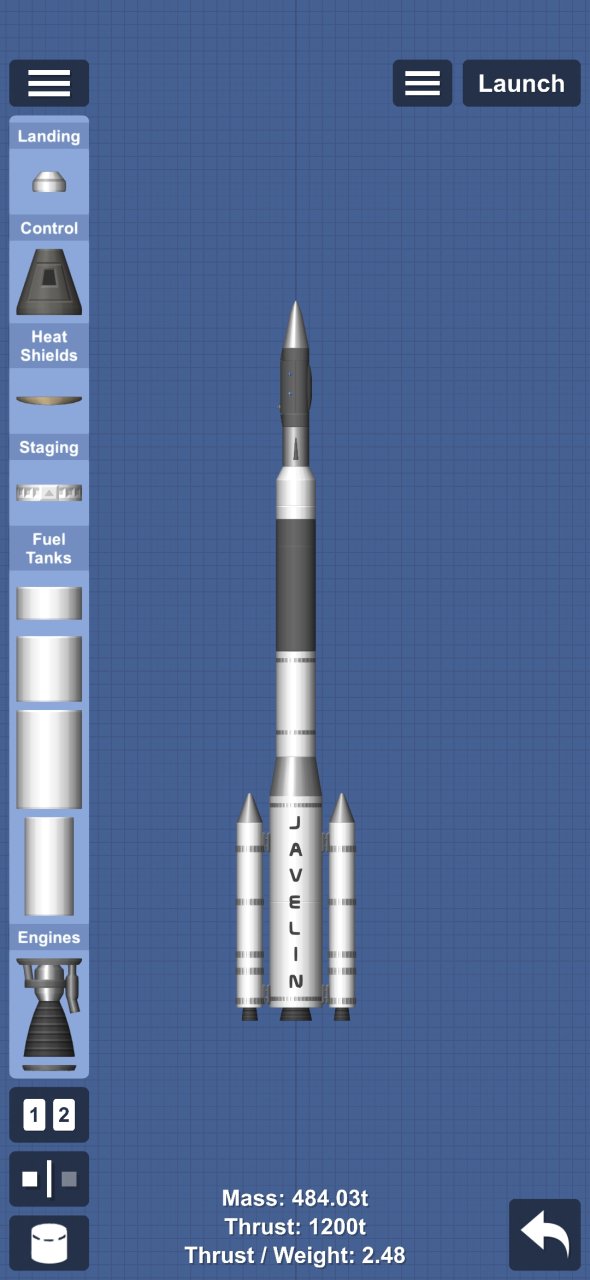
this is Gemini COS 4
its a much more bigger and powerfull rocket than the previous mission Rocket type
it needs to be so big cause this is going to be the rocket that will send all the heavy stuff to and into mars
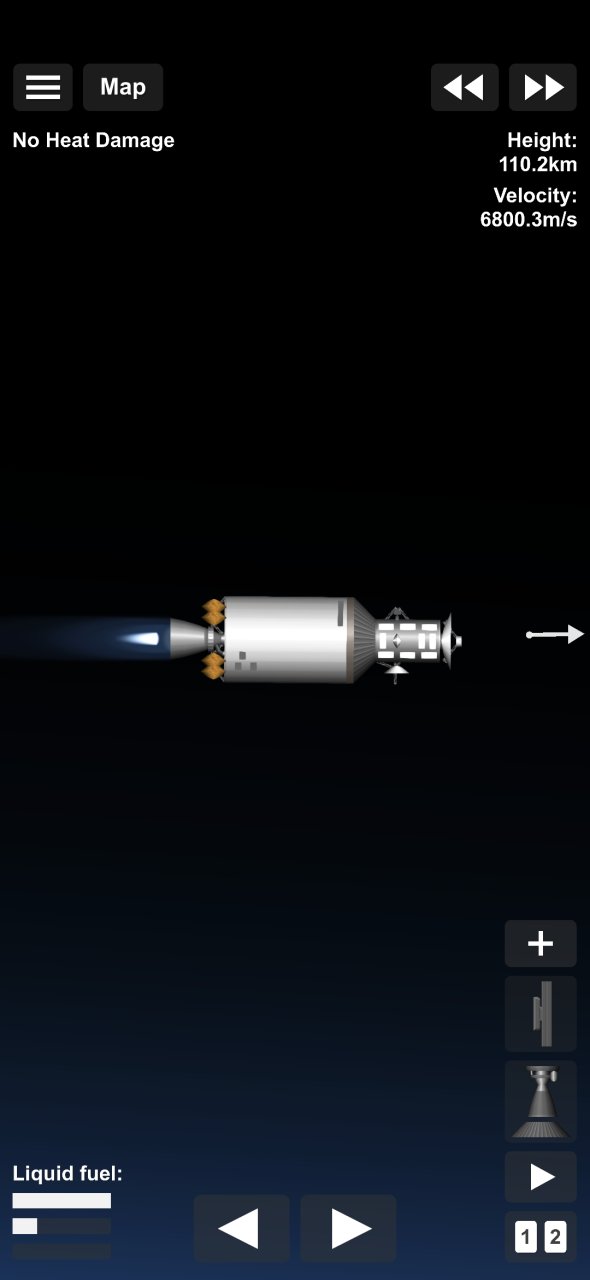
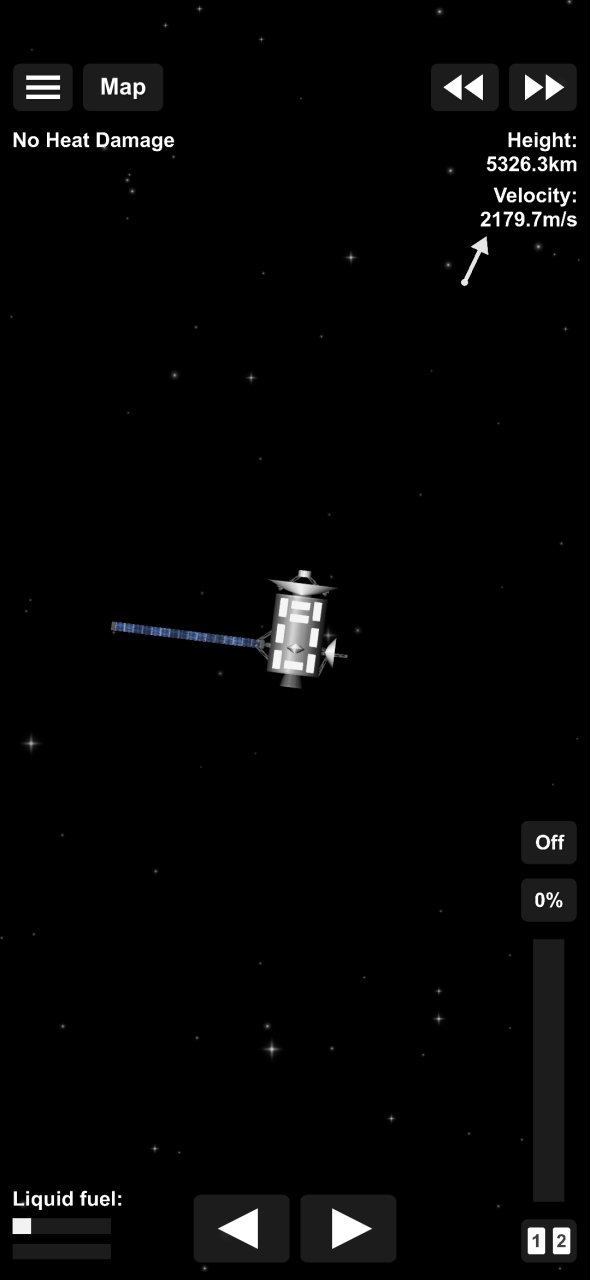
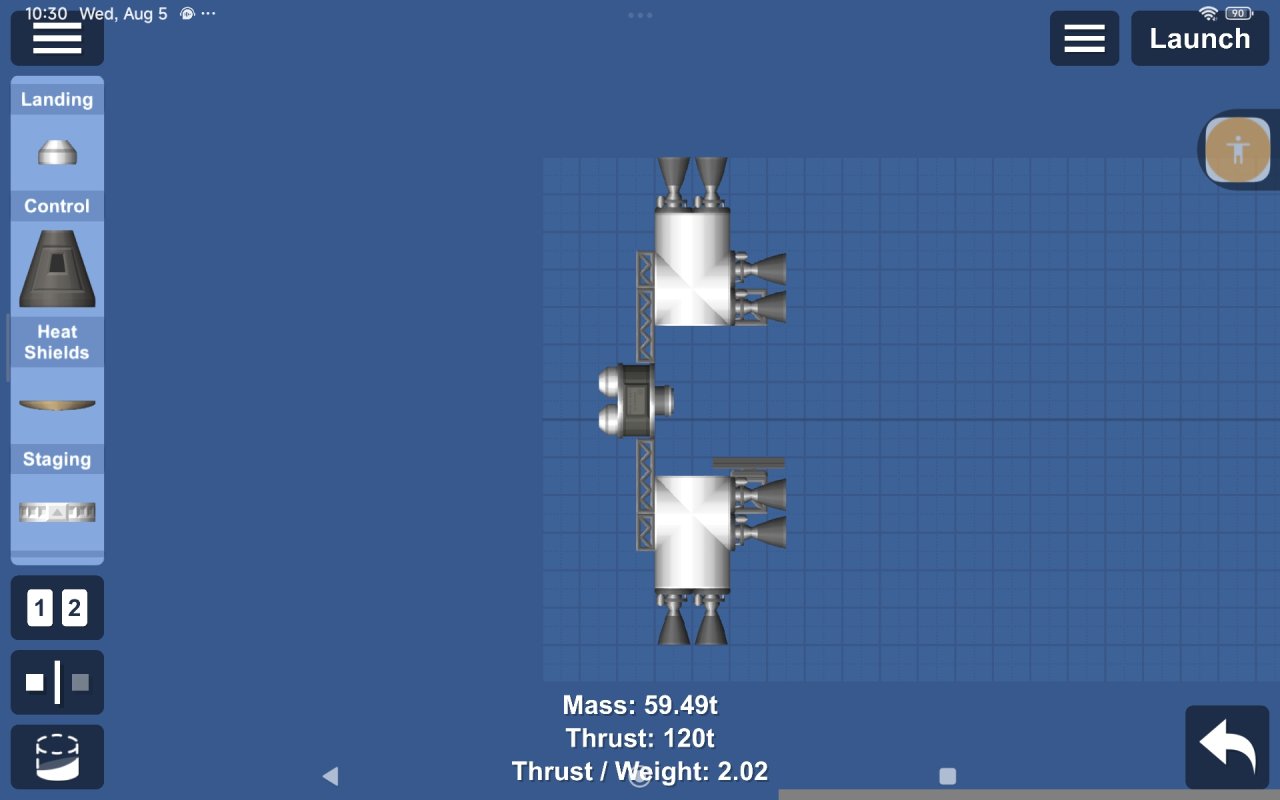
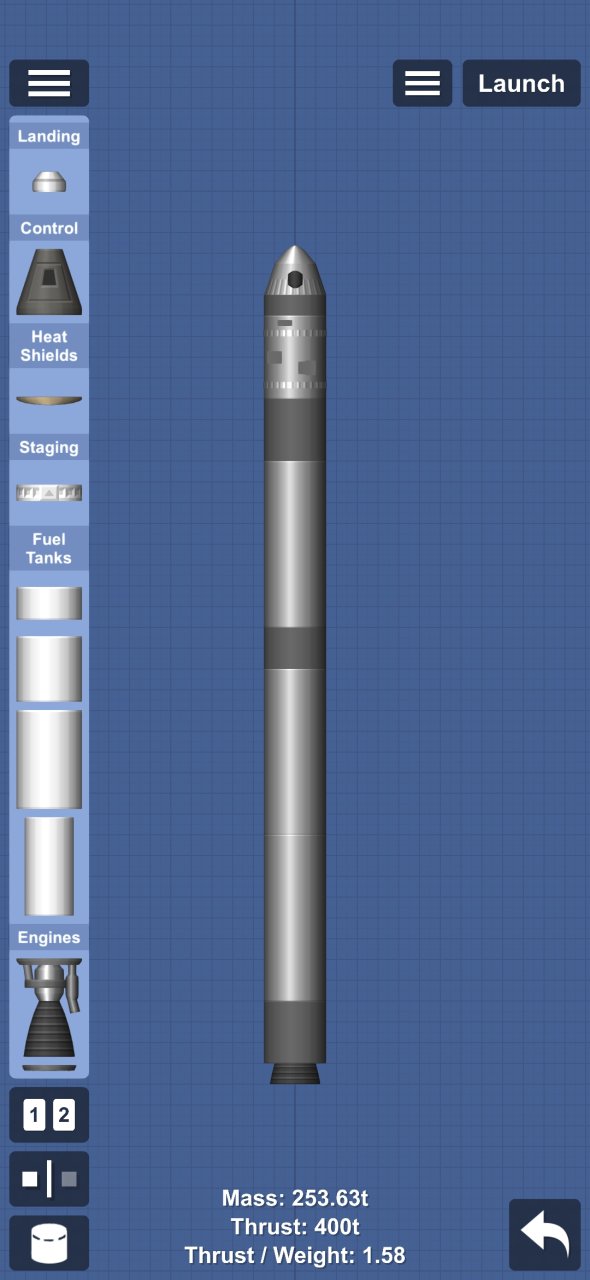
the sattalite is made for communication between earth and the mars rover/rovers it also got GPS panels for locating the rover and where it has been
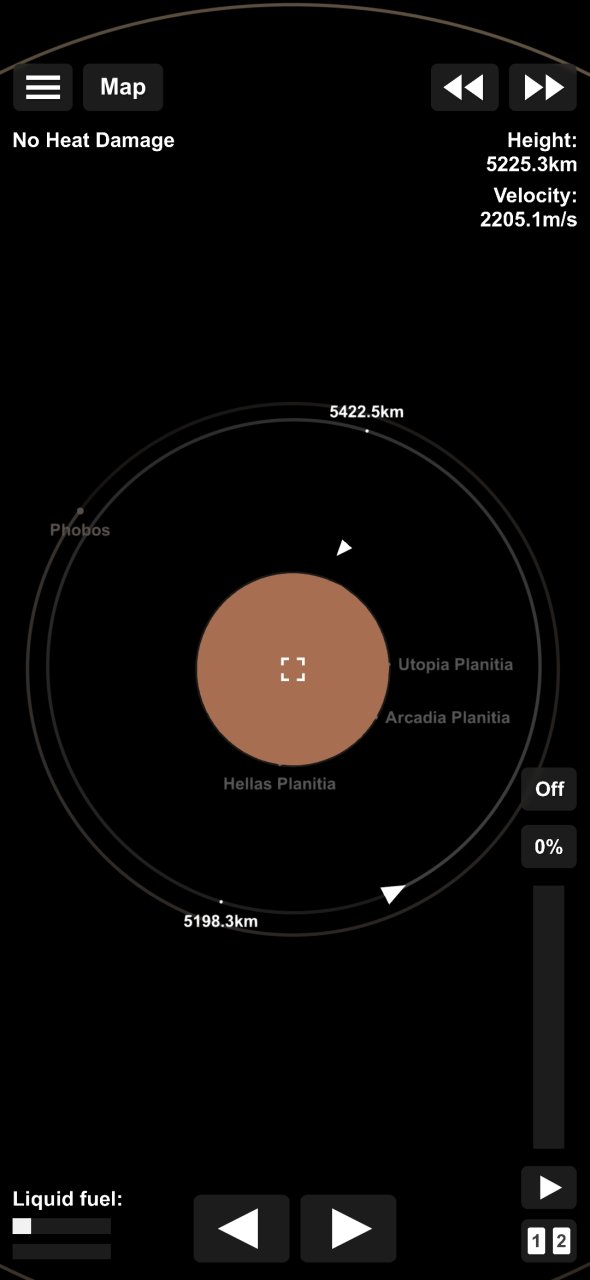
use the NASA earth to mars trajectory or you won't have enough feul
made for realistic
ROC/COS missios/rocket
Features
➤ Deep Space - Engineered for long-range missions beyond Earth's orbit with high-efficiency systems.
Details
➤ Blueprint Edit - Features parts with modified code for custom sizes, shapes, or hidden properties.
Cheats
➤ No Heat Damage
Requirements
➤ Parts Expansion
➤ Skins Expansion
➤ Spaceflight Simulator 1.6 or higher
How to download on mobile
➤ Open Spaceflight Simulator
➤ Select your world
➤ Build a new rocket
➤ Return to SFS UNIVERSE App/Web and press the download button
How to download on PC
➤ Open Spaceflight Simulator
➤ Select your world
➤ Build a new rocket
➤ Select the share button
➤ Select download blueprint
➤ Return to SFS UNIVERSE App/Web and press the copy URL button
➤ Return to Spaceflight Simulator and paste the URL
➤ Click on the download button





























Featured Items

Featured Videos



Follow Us
All Rights Reserved © 2026 Softiny