



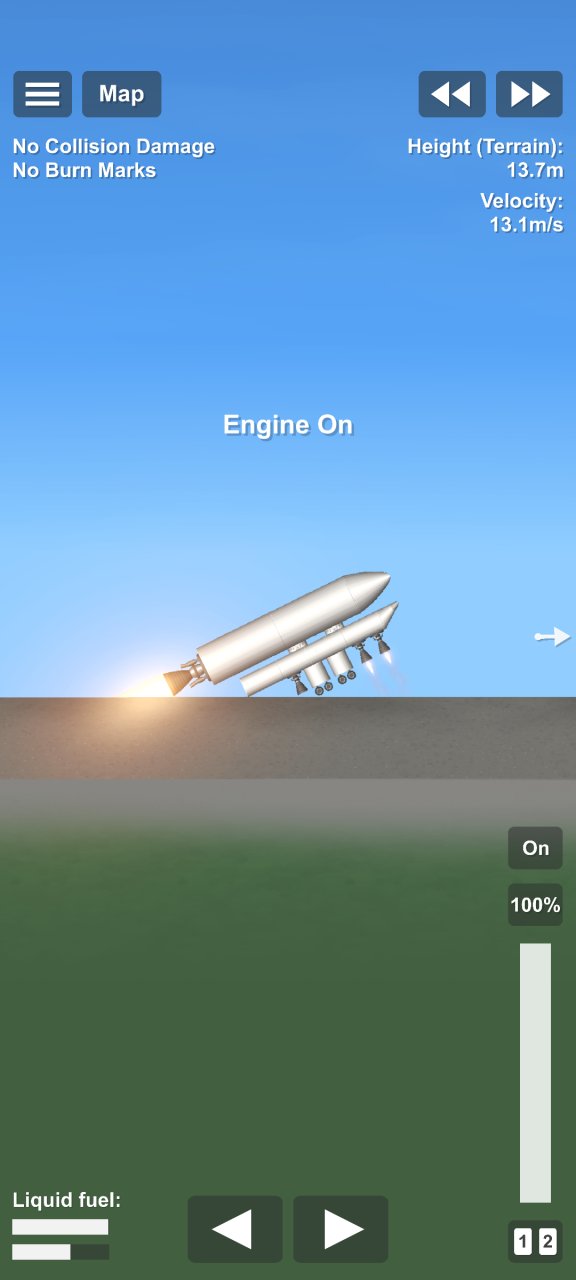

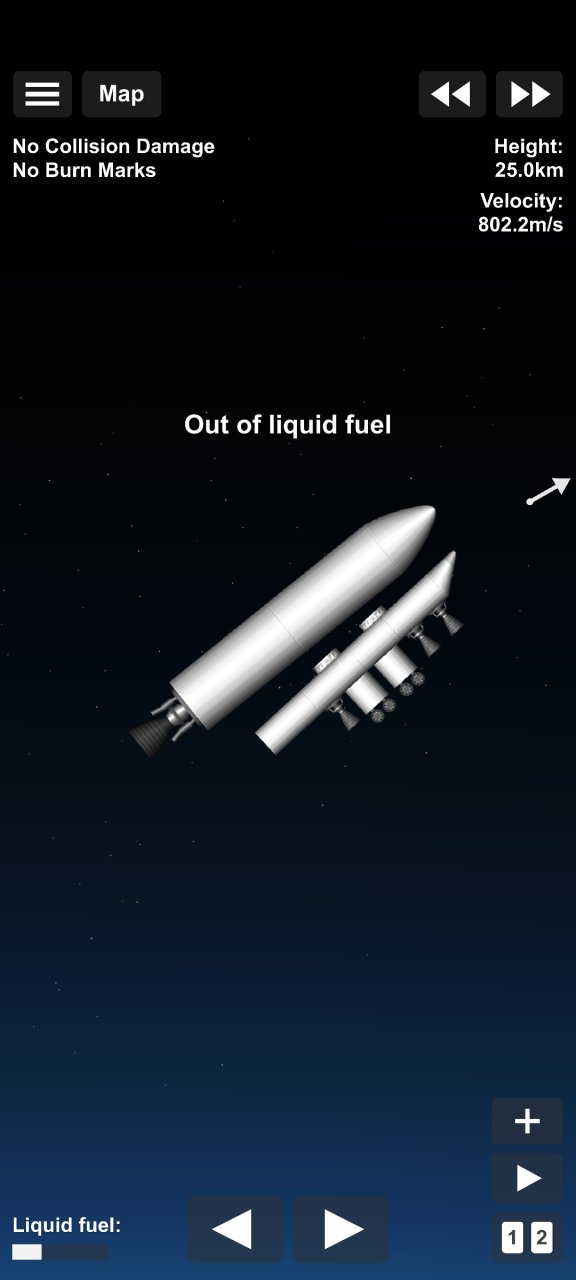

This SSTO plane, no cheats required is a standout addition to the SFS UNIVERSE library, designed to push the boundaries of what’s possible within Spaceflight Simulator. Whether you are looking to enhance your gameplay aesthetics or seeking a high-precision functional asset, this blueprint offers a polished experience for any type of player. The creator has focused on delivering a reliable and creative resource that integrates seamlessly into your current save.
By adding SSTO plane, no cheats required to your collection, you gain access to new ways of exploring, building, and customizing your simulation environment. Its versatile design ensures it fits perfectly into various mission profiles, from complex engineering projects to casual sandbox fun. It is a must-have for users who value quality community-made content.
Download this blueprint today and take your SFS experience to the next level. Be sure to check for version compatibility to ensure all features and parts function correctly in your game.

Description
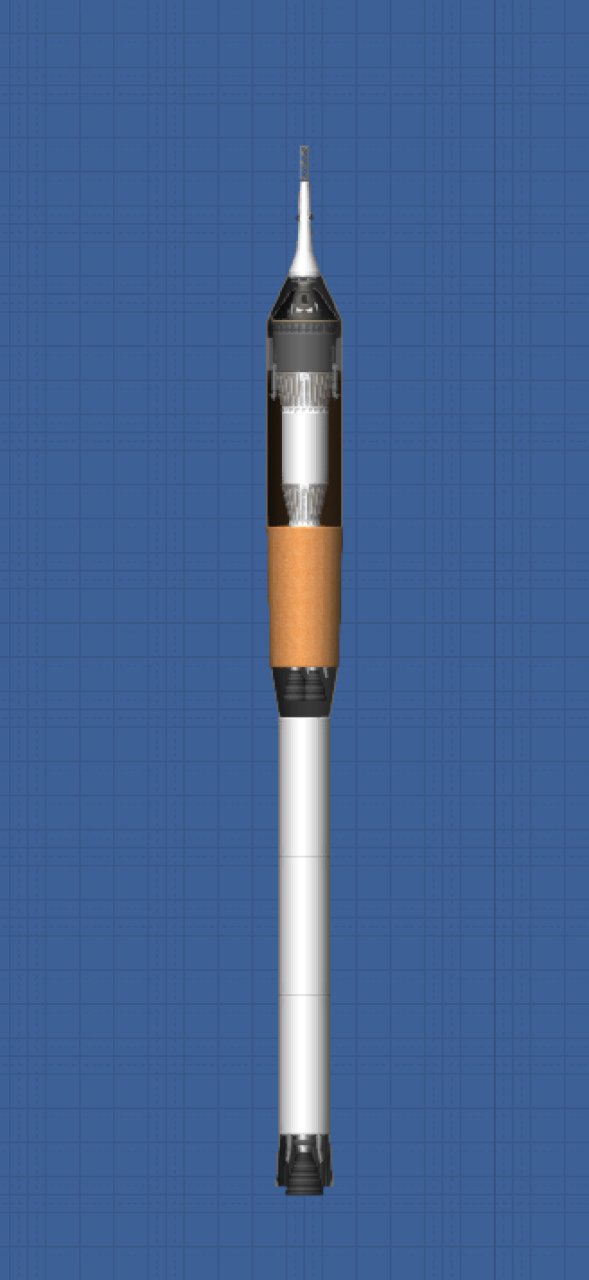
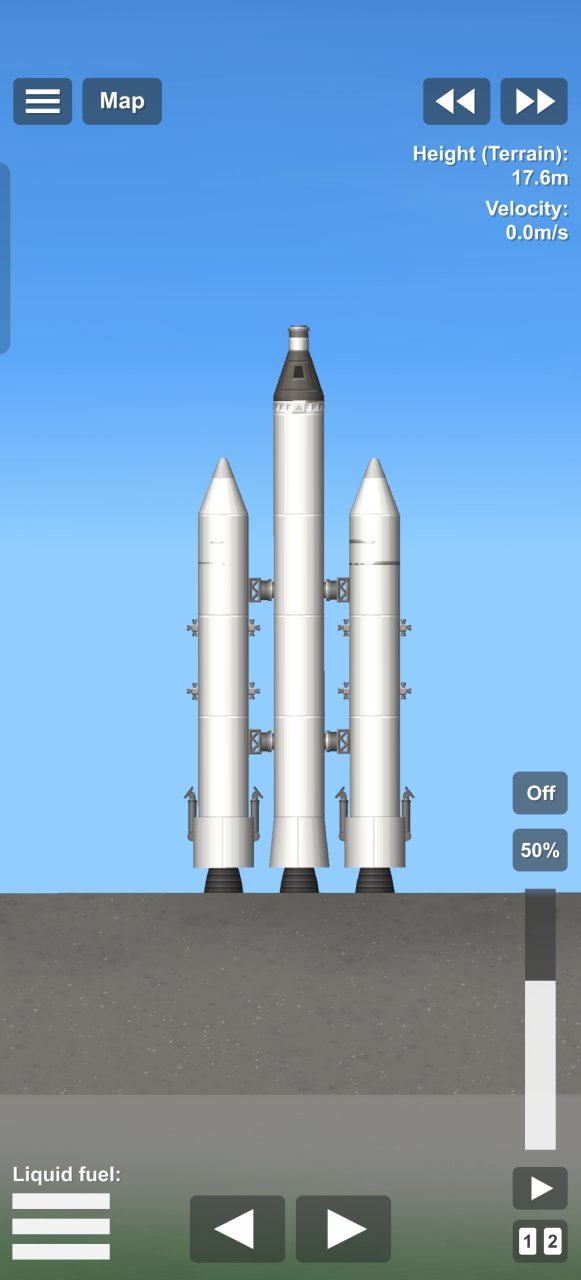
First, you have to light the two front two engines and the main engine. when you clear the grey concrete pad, you will steer a bit to the left and then light the back small engine. Keep the plane in balance until you clear like 500 meters / 2000 ft. steer the nose upwards to get the direction so the orbit's height reaches over the atmosphere. now start moving fuel from the lower lift stage untill all of the fuel is in the main rocket body, and then jettison the lower part and speed up till orbit
Features
➤ Crew - Designed with dedicated modules to safely transport astronauts and personnel.
Details
➤ Not resistant to reentry - Not designed for atmospheric entry; intended for vacuum or orbital use only.
Cheats
➤ No cheats required
Requirements
➤ Parts Expansion
➤ Spaceflight Simulator 1.6 or higher
How to download on mobile
➤ Open Spaceflight Simulator
➤ Select your world
➤ Build a new rocket
➤ Return to SFS UNIVERSE App/Web and press the download button
How to download on PC
➤ Open Spaceflight Simulator
➤ Select your world
➤ Build a new rocket
➤ Select the share button
➤ Select download blueprint
➤ Return to SFS UNIVERSE App/Web and press the copy URL button
➤ Return to Spaceflight Simulator and paste the URL
➤ Click on the download button





























Featured Items



More Items from Hugo Kuopila

Featured Videos


Follow Us
All Rights Reserved © 2026 Softiny